Create.
Review. Repeat.

Turn what you want to learn into personalized cards with images, audio, smart review, and speaking practice.
30+ languages
Start learning
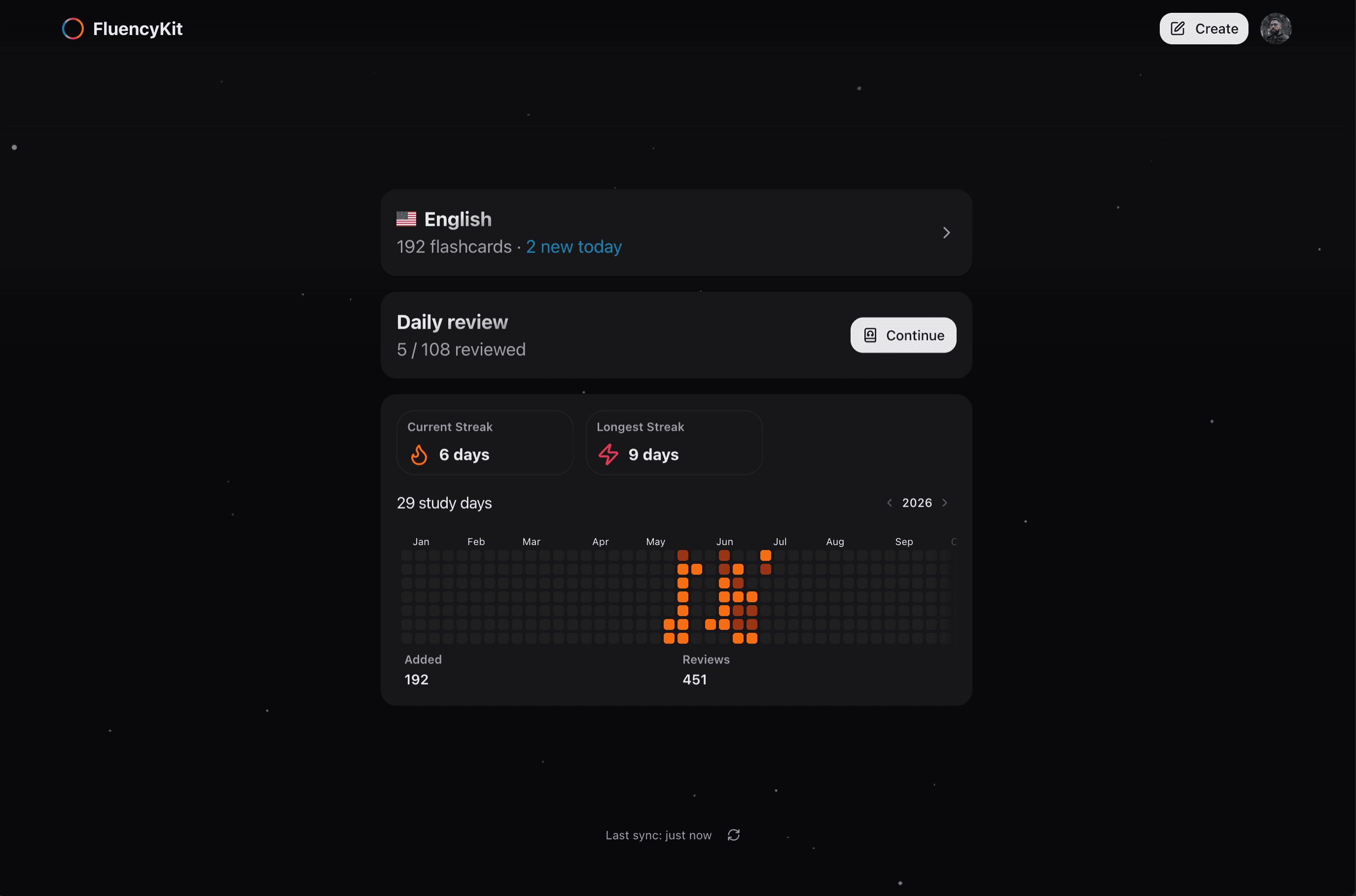
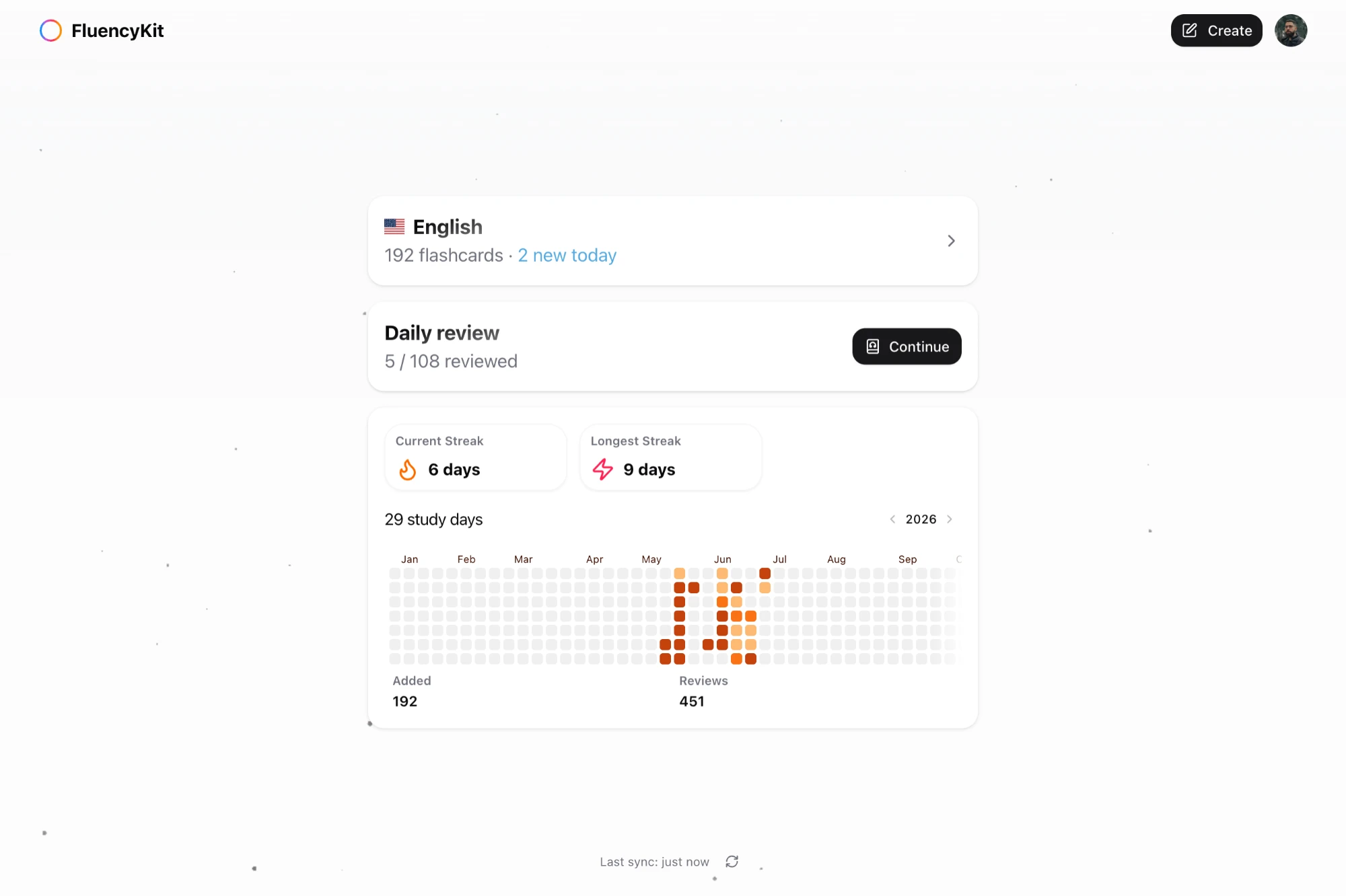
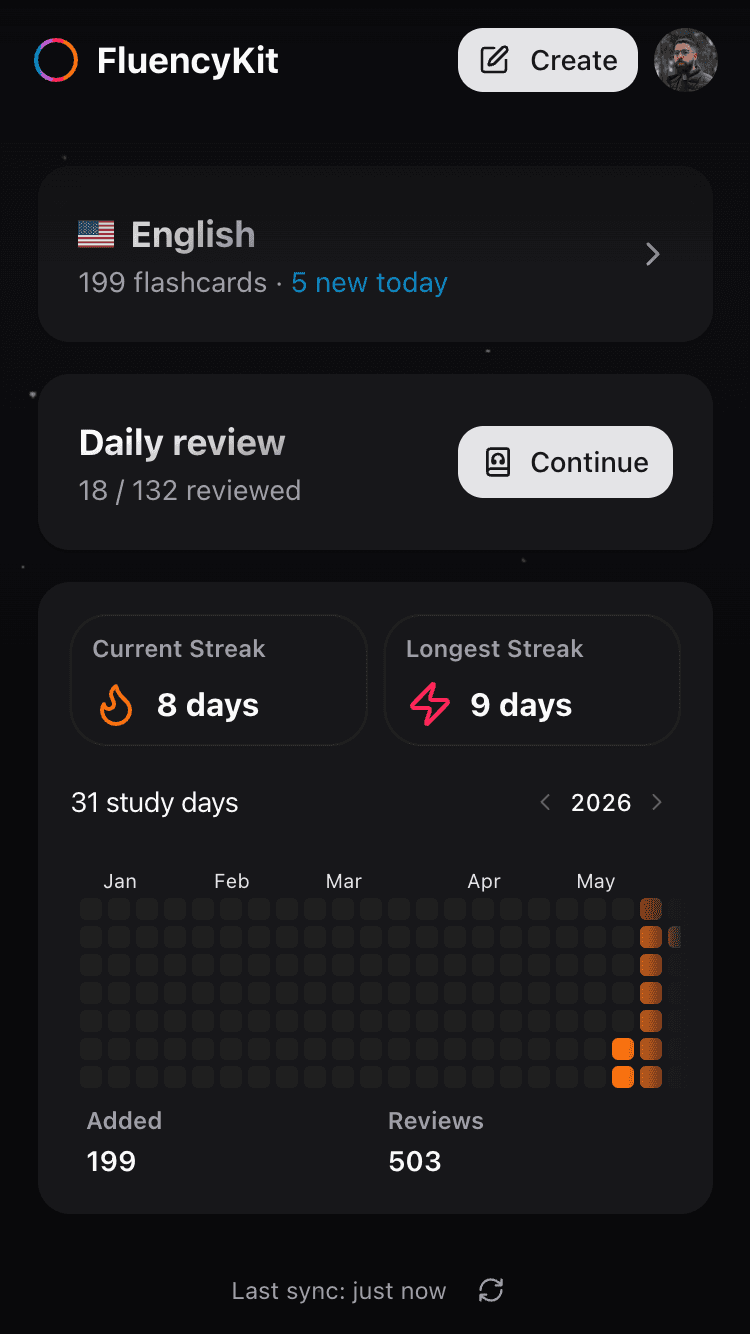
FluencyKit mobile app showing flashcards and study streaks

01.Build it your way

Start with a prompt

Create cards in seconds

Set it your way

Pick the level, style, and voice.

Import your Anki cards

Move your cards over and keep going.

02.Put it into practice

Review your cards

Study each one and choose how it felt.

Hear every sentence aloud

Follow word by word.

Get pronunciation feedback

Speak out loud and see where to improve.

03.Keep the rhythm

Review before you forget

Cards come back right on time.

Track your progress

Keep your streak moving.

The FluencyKit stack

Multiple methods. One learning experience.

Comprehensible input

Content just above your level builds fluency naturally.

Shadowing

Repeating audio aloud improves rhythm, sound, and flow.

Memory islands

Personal associations give new sentences a place to live.

Spaced repetition

Reviewing at increasing intervals helps memories stick.

FAQ

Got questions? We’ve got answers.

Can't find what you're looking for?

Is FluencyKit available on the App Store or Google Play?
Not yet. FluencyKit isn't on the app stores at the moment, but you don't need to wait — it runs fully in your mobile browser. For the best experience, open it in your browser and add it to your home screen so it opens like a native app.
How do I add FluencyKit to my home screen?
On iPhone/iPad, open fluencykit.com in Safari, tap the Share button, then choose “Add to Home Screen.” On Android, open it in Chrome, tap the three-dot menu, then choose “Add to Home screen” or “Install app.” Once added, FluencyKit opens full-screen with its own icon, just like an app from the store.
Is FluencyKit free to use?
Yes — FluencyKit has a free plan you can use right away. Paid plans unlock higher limits and advanced features; you can compare everything each plan includes on the pricing page.
Which languages can I learn?
You can learn any of the languages we offer when you get started: English (US), English (UK), Spanish (Spain), Spanish (Latin American), French, Japanese, German, Korean, Italian, Chinese (Simplified), Brazilian Portuguese, European Portuguese, Russian, Arabic, Hindi, Turkish, Dutch, Polish, Swedish, Greek, Hebrew, Vietnamese, Thai, Indonesian, Ukrainian, Czech, Hungarian, Romanian, Danish, Norwegian Bokmål, Persian, Urdu and Bengali.
How does the review system work?
FluencyKit uses spaced repetition: cards you find easy come back less often, while harder cards return sooner. This schedules each review at the moment it helps memory most, so you spend less time studying and remember more.
Does my progress sync across devices?
Yes. Your account keeps your study progress in sync, so you can study on your phone in the browser and pick up right where you left off on your computer.

Try FluencyKit now.

Start learning